
Home › Product › Lead nurturing
Lead nurturing
Follow-up that runs while you work.
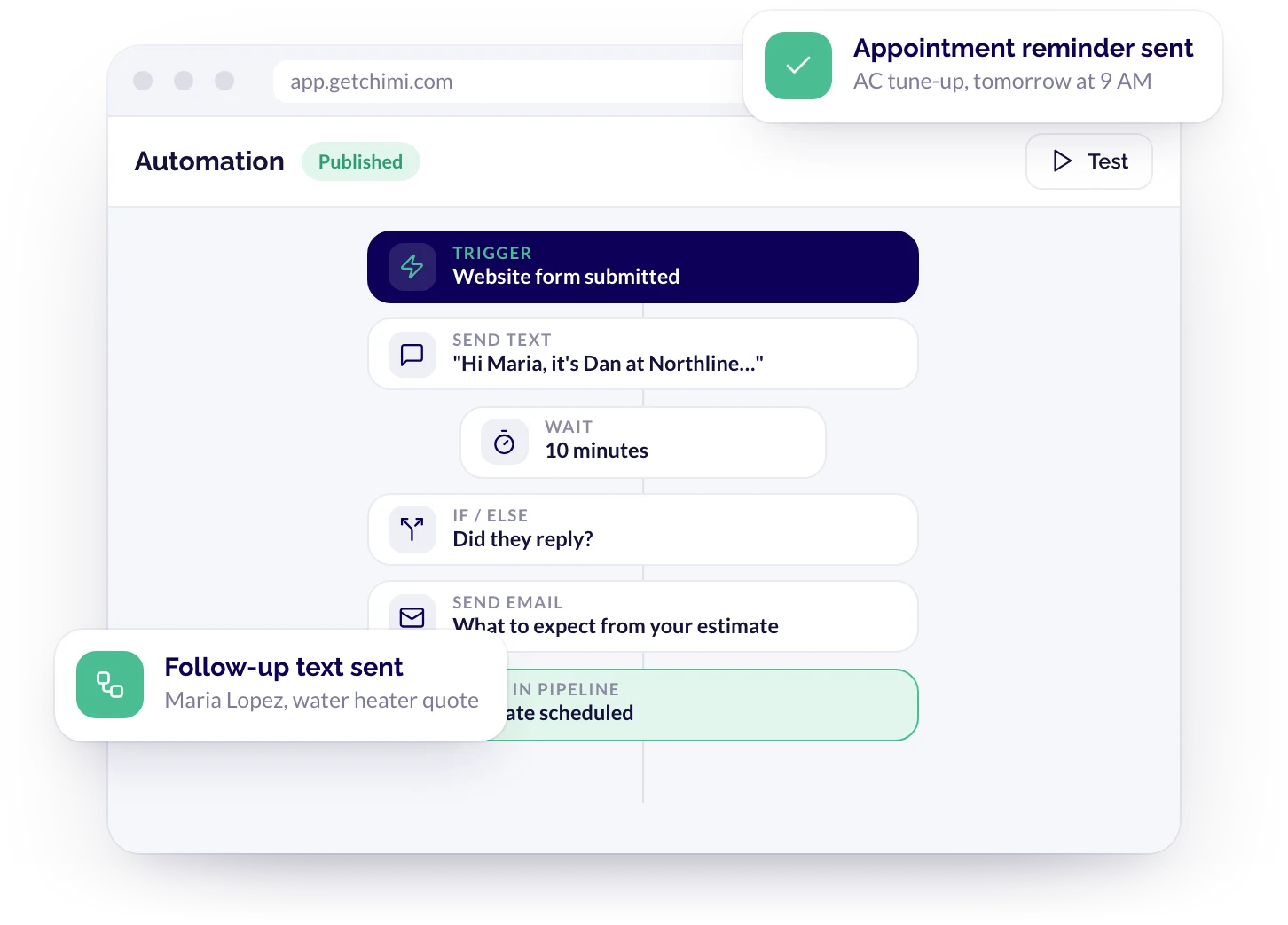
chimi workflows send texts and emails to your leads on a schedule you set. New inquiries get a fast reply, open estimates get a nudge, and booked jobs get a reminder before your tech arrives.
Why owners use chimi for lead nurturing
Reply to new leads fast
When a website form comes in, chimi texts the lead right away, alerts your office and creates a callback task. The lead hears back while you finish the job.
Estimates that do not stall
If a roof estimate sits unanswered, chimi sends a friendly text after a few days and another later. When the customer replies, the sequence stops and your team takes over.
Reminders and review requests
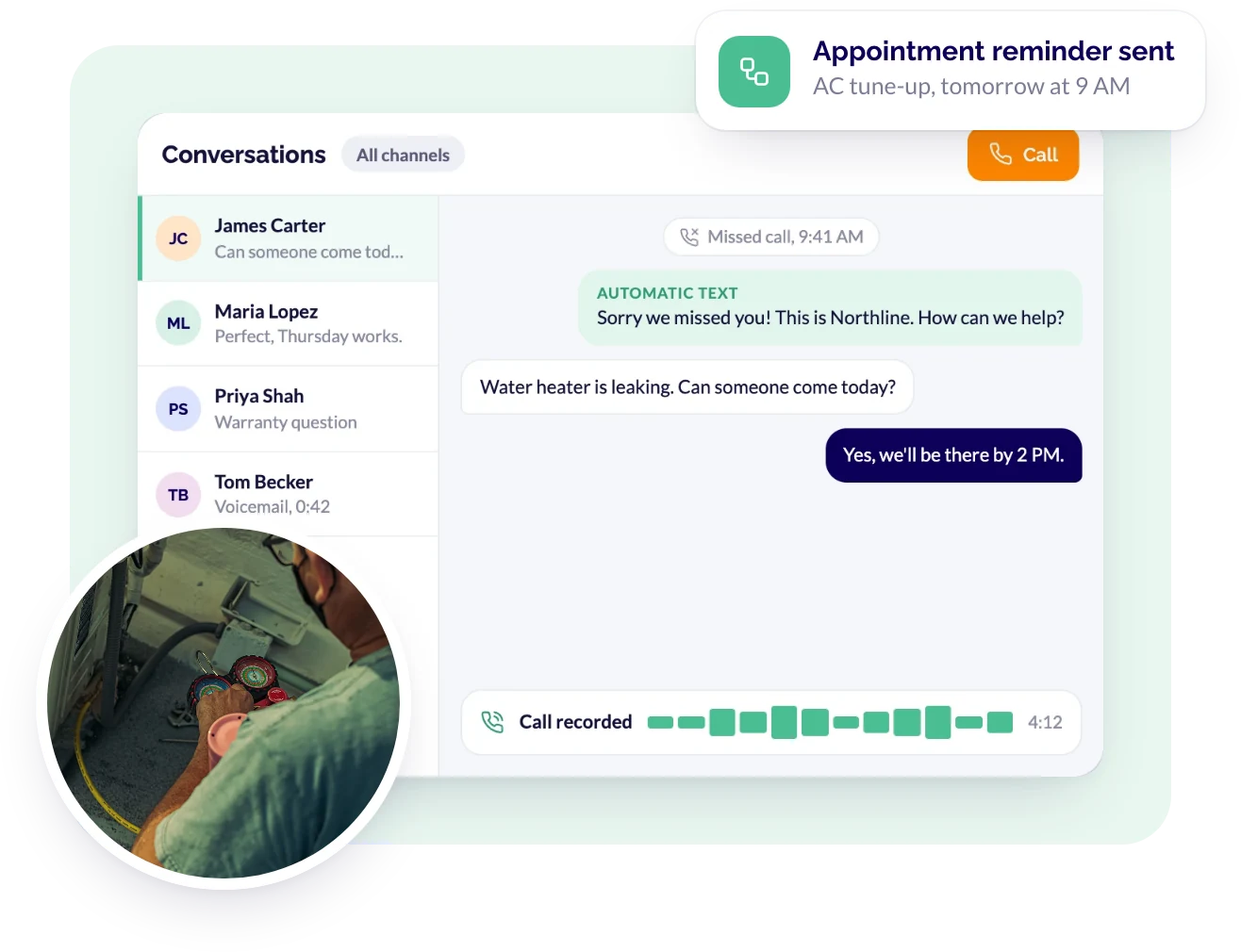
Booked customers get a text reminder before the visit. After the job is marked done, chimi can send a review request with a link to your Google profile.
What's included
Visual workflow builder
Form and appointment triggers
Estimate status triggers
Waits and time windows
If/else branching
Stop on reply
Appointment reminders
Review requests
How it works
A trigger starts it
A form submitted, an appointment booked, a tag added or a deal moving stages can start a workflow.
Add messages and waits
Line up texts, emails and wait steps. Send the first text now and the next one in two days.
Branch on what they do
Add checks for things like tags or deal stage, so a booked customer stops getting sales messages.
We build it with you
The chimi team sets up your first workflows during onboarding and shows you how to adjust them.
Fast replies
New leads hear back while you are on a job
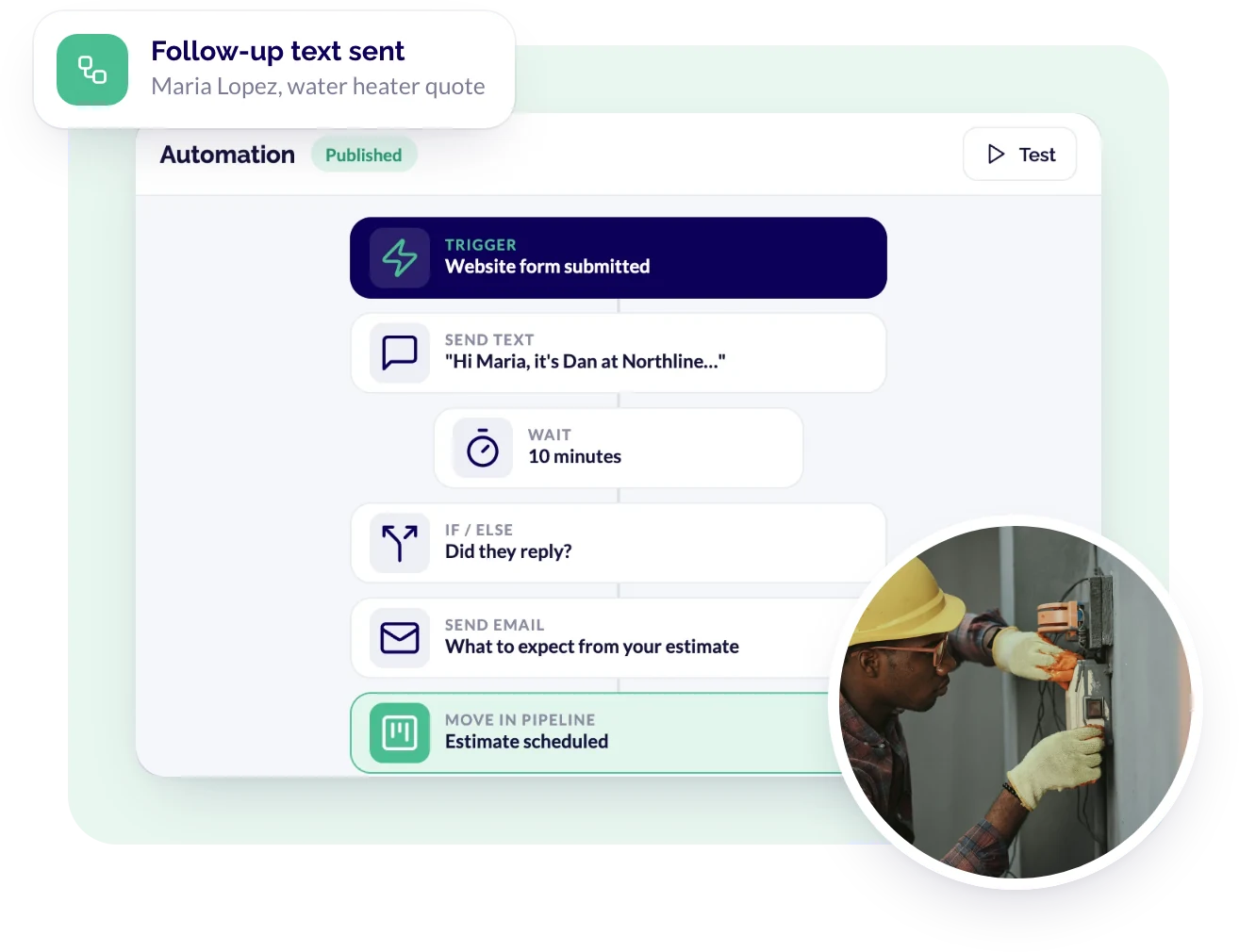
Someone fills out your AC repair form at 7 PM. chimi texts them back, adds the lead to your pipeline, tags the service they asked for and alerts your on-call tech. If nobody books, a follow-up goes out the next morning.
- Instant text when a form comes in
- Leads added to your pipeline automatically
- Team alerts by text, email or app
Estimate follow-up
Keep open estimates moving without chasing customers yourself
You sent Maria Lopez a water heater estimate on Monday. No reply by Thursday, so chimi texts a check-in. Still quiet a week later, it emails a reminder and creates a call task for your office. If she accepts, the follow-ups stop.
- Triggers on estimate status and deal stage
- Stops when the customer replies
- Call tasks created for your team
Works together with
Campaigns that fill slow weeks
See where the money comes from
Branded, sent by text or email
Lead nurturing FAQ
Have a question we didn't cover? Ask us on a demo call.
What can start a workflow?
Common triggers include a form submission, a new contact, a tag being added, an appointment booked, a deal moving to a new pipeline stage, a missed call, or an estimate being accepted or declined. We set up the ones that fit your business.
Will customers keep getting texts after they reply?
Not unless you want them to. A workflow can stop for a contact as soon as they reply, so a customer who texts back about their AC tune-up hears from your team instead of getting the next automated message.
Can I control when messages go out?
Yes. Wait steps space out your messages by minutes, hours or days, and time windows keep texts inside the hours you choose. A lead who fills out a form at 11 PM can get their follow-up at 8 AM instead.
Do I have to build these workflows myself?
No. During onboarding the chimi team builds your core workflows, like new lead follow-up, estimate follow-up, appointment reminders and review requests. We train you to edit the wording and timing, and you can add more anytime.
Can workflows bring back past customers?
Yes. Pull a smart list, like customers whose last AC tune-up was over a year ago, and add them to a workflow that texts a seasonal reminder with a link to book. Replies land in your inbox like any other conversation.
Let chimi handle the follow-up.
Book a demo and see the workflows we set up for contractors: new lead replies, estimate nudges, appointment reminders and review requests.

The all-in-one CRM for the trades. Solutions for your business to thrive, since 2015.