
Home › Product › Contracts & e-signing
Contracts & document signing
Contracts signed. Deposits paid. Work starts.
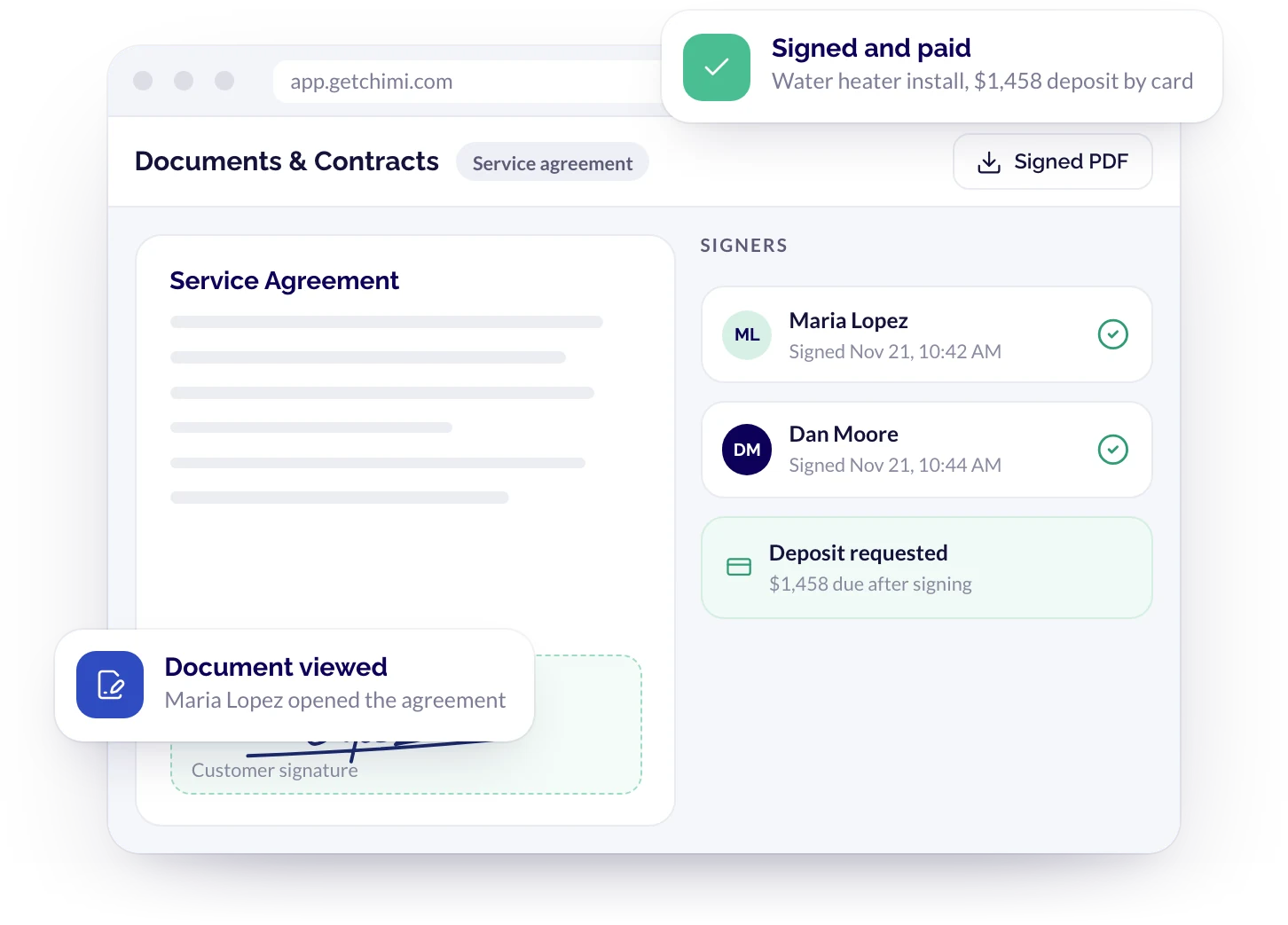
Turn your remodel agreements, service contracts and proposals into reusable templates. Customer details fill in for you, every signer signs on their own device, and you can collect the deposit on the same document.
Why owners use chimi for contracts & e-signing
Templates that fill themselves
Save your service agreement once. Customer name, address and job details drop in from the CRM, so nobody retypes a thing and every contract goes out complete.
Every signer, in order
Add a homeowner and a co-owner, or a property manager and the owner. Have them sign at the same time or one after another, each with their own fields.
Get paid at signing
Add a price table and make payment due when the customer signs. Collect a one-time deposit or set up recurring payments for a service plan.
What's included
Reusable contract templates
Auto-filled merge fields
Signature and initials fields
Multiple signers
Signing order control
Payment at signing
Document expiry dates
Signature certificate
How it works
Pick a template
Start from your saved agreement, proposal or change order. Our team can build these for you during setup.
Details fill in automatically
Customer name, address and job info pull from the contact record. Add photos, scope of work and pricing.
Send and track
Send by email or a share link, then track it from draft to waiting for others to completed.
Signed, paid, filed
Customers sign and pay on their phone. A signed copy with a signature certificate is saved for your records.
Templates & merge fields
Write the agreement once. Use it on every job.
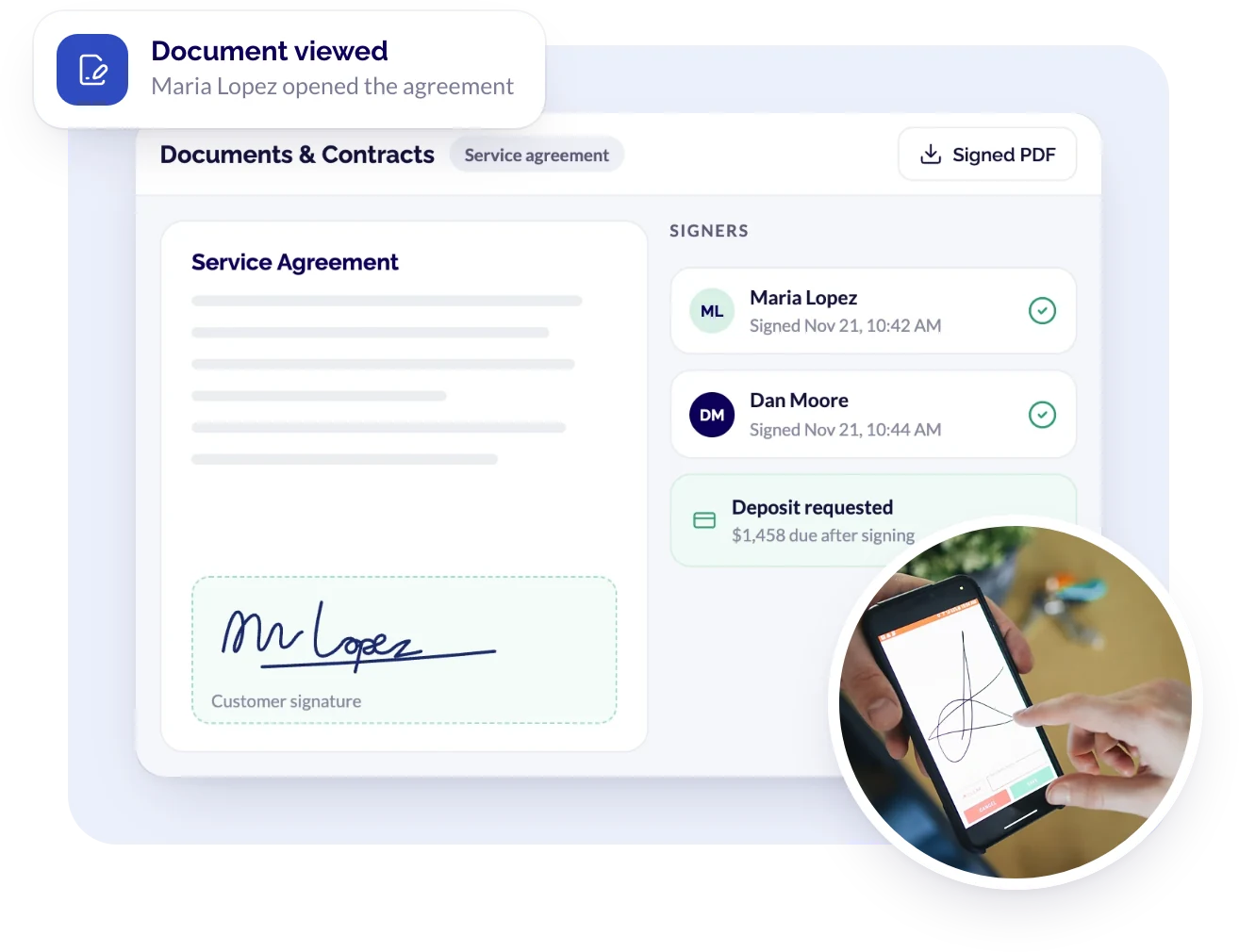
Build your remodel contract, maintenance agreement or roofing proposal as a template with text, images, video, pricing tables and page breaks. Merge fields pull in the customer and job details, and saved content blocks keep your standard terms consistent.
- Signature, initials, date, text and checkbox fields
- Reusable content blocks for warranties and terms
- Expiry dates so old proposals cannot be signed
Signing & payment
One link to sign, pay and get started
Send the roof replacement proposal to both homeowners. Set them to sign together or in order. Add the deposit to the document so payment is due at signing, through Stripe, PayPal or another connected gateway.
- Sequential or simultaneous signing order
- Certificate with signer details, IP and timestamps
- Workflows start when a document is signed
Works together with
Card, bank, tap and text-to-pay
Every channel in one inbox
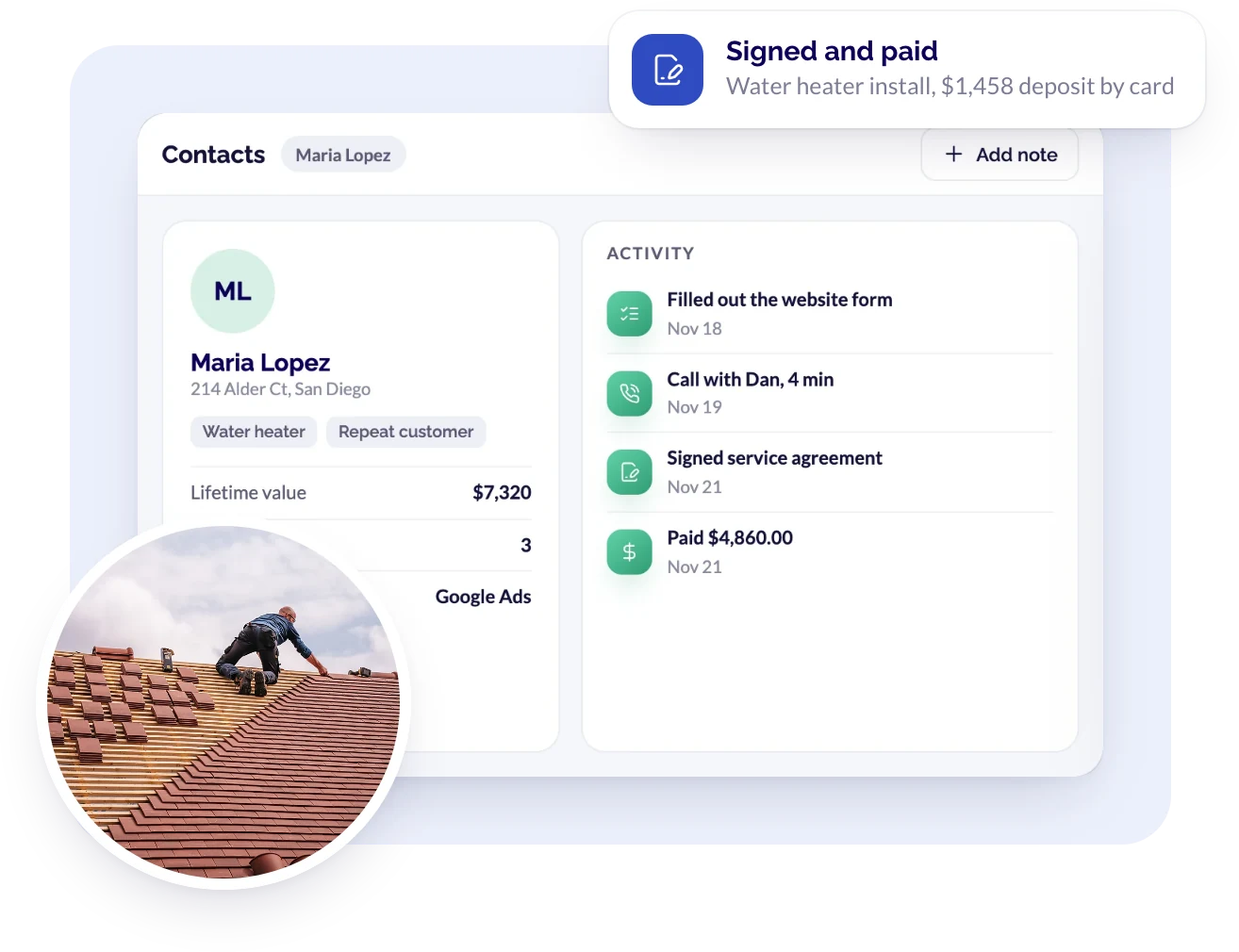
One record for every job
Contracts & e-signing FAQ
Have a question we didn't cover? Ask us on a demo call.
What does my customer need to sign?
Just the link. They open the document in their browser on a phone, tablet or computer, fill in their fields and sign. No app download or account is needed.
Can two people sign the same contract?
Yes. Add each signer as a recipient and give them their own signature, initials and date fields. Choose whether they sign at the same time or one after another. Anyone added without fields receives the finished copy.
Can I collect a deposit when the contract is signed?
Yes. Add products or a price table to the document and set payment due at signing. The customer pays through a connected gateway such as Stripe or PayPal. You can also have an invoice sent automatically instead.
How do I know when a contract is signed?
The dashboard shows every document as draft, waiting for others, completed or expired. Workflows can also fire when a document is viewed or signed, so you can get an alert or move the job forward in your pipeline.
Is there a record of who signed and when?
Yes. Each signed document includes a certificate with signer details, IP address and timestamps. You can download the completed document as a PDF anytime for your files or your customer.
Get your next contract signed in chimi
Book a call and we will turn your current agreement into a ready-to-send template, with signature fields and deposit collection set up for you.

The all-in-one CRM for the trades. Solutions for your business to thrive, since 2015.