
Home › Product › Customer management
Customer management
Every customer. Every job. One place.
chimi keeps your contacts, conversations, jobs and deals in one CRM set up for home service work. See who called, what you quoted and what comes next, from the office or the truck.
Why owners use chimi for customer management
The whole story, one screen
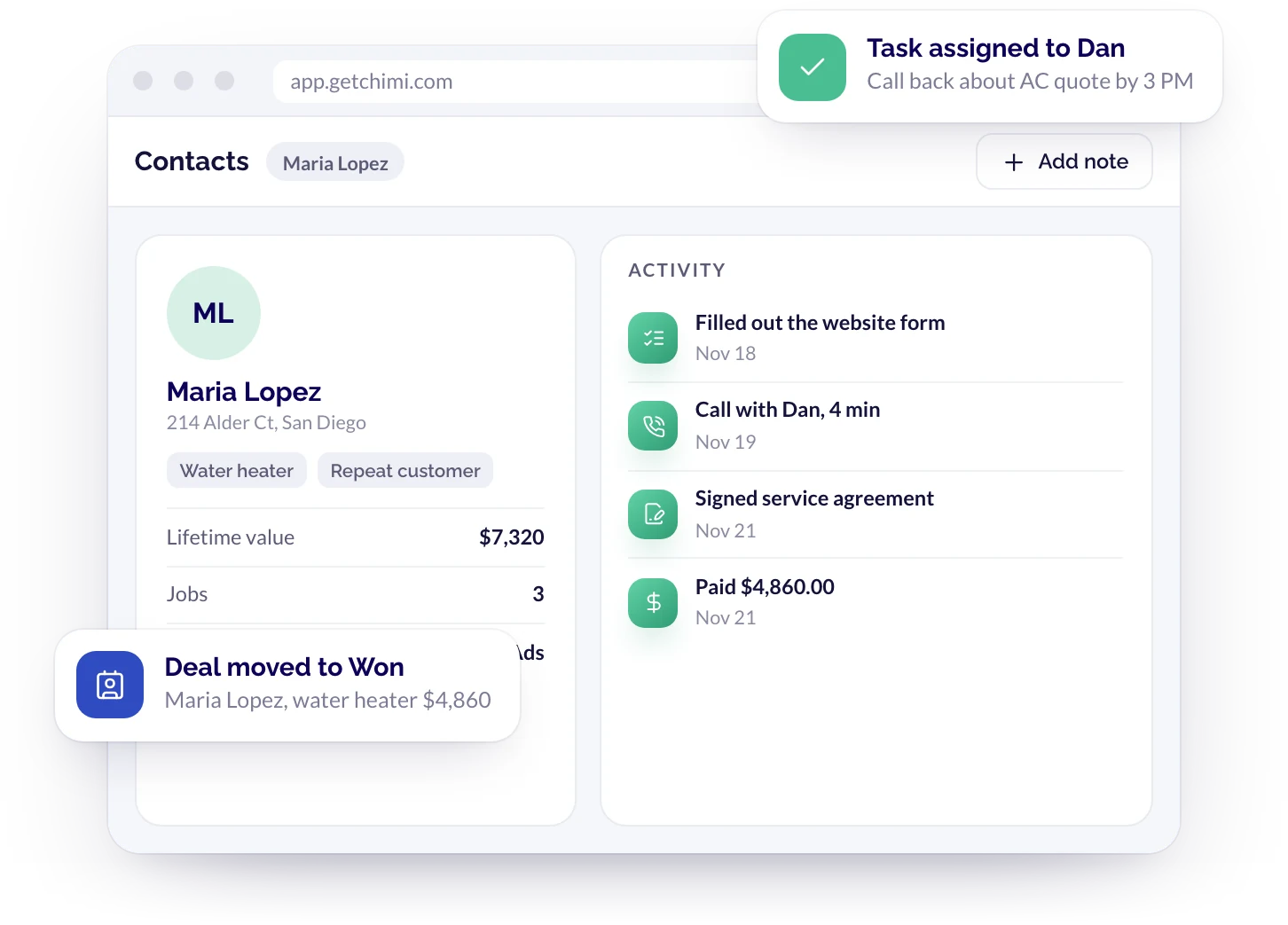
Open a contact and see every call, text, email, note, task and appointment. No digging through phones, notebooks and inboxes before you call Maria back about her water heater.
Pipelines that match your jobs
Track each job from new lead to estimate sent to won. Drag a card to the next stage and the whole team sees where every deal stands.
Find the right customers fast
Tag, filter and save lists like "AC tune-up due" or "customers in 92109." Then text, email or start a follow-up for the whole list in a few clicks.
What's included
Custom fields and tags
Saved smart lists
Bulk actions on lists
Multiple pipelines
Deal values and owners
Lost-reason tracking
Tasks with due dates
Duplicate contact merge
How it works
We import your customers
Send us your spreadsheet or an export from your old tool. The chimi team maps the fields and imports it.
We build your pipelines
We set up stages that fit your trade, like Lead, Estimate Sent, Scheduled, Job Done and Paid.
Add the details you need
Custom fields hold what matters to you: water heater age, roof type, gate code or system model.
Run your day from it
Assign tasks, move deals and check customer history from your desk or from the mobile app on your phone.
Contact records
One record for every customer and every visit
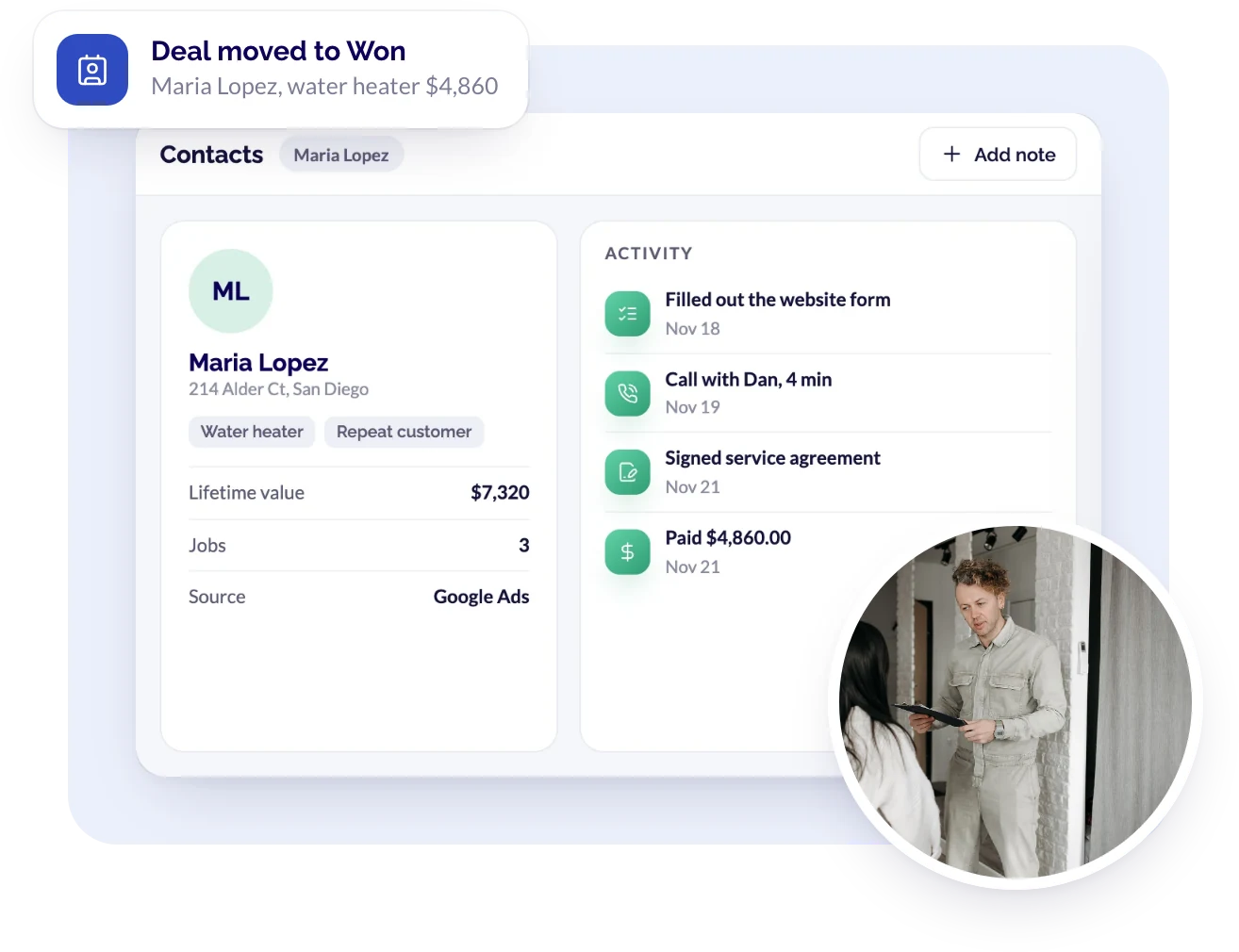
When Maria Lopez calls about a leaking water heater, pull up her record and see the AC tune-up from last spring, the texts your office sent, and the notes your tech left. Nobody asks her to repeat herself.
- Calls, texts and emails on one timeline
- Notes and tasks saved to each customer
- Custom fields for equipment, system age and access
Pipelines and deals
See every open estimate and what it is worth
Build a pipeline for service calls and another for bigger projects like remodels or reroofs. Each card can show the customer, the job value and who owns it. Mark a deal won or lost and note why it was lost, so you learn what slips.
- Multiple pipelines with stages you name
- Drag cards between stages on a board
- Track won and lost deals, with lost reasons
Works together with
Follow-ups that run themselves
Campaigns that fill slow weeks
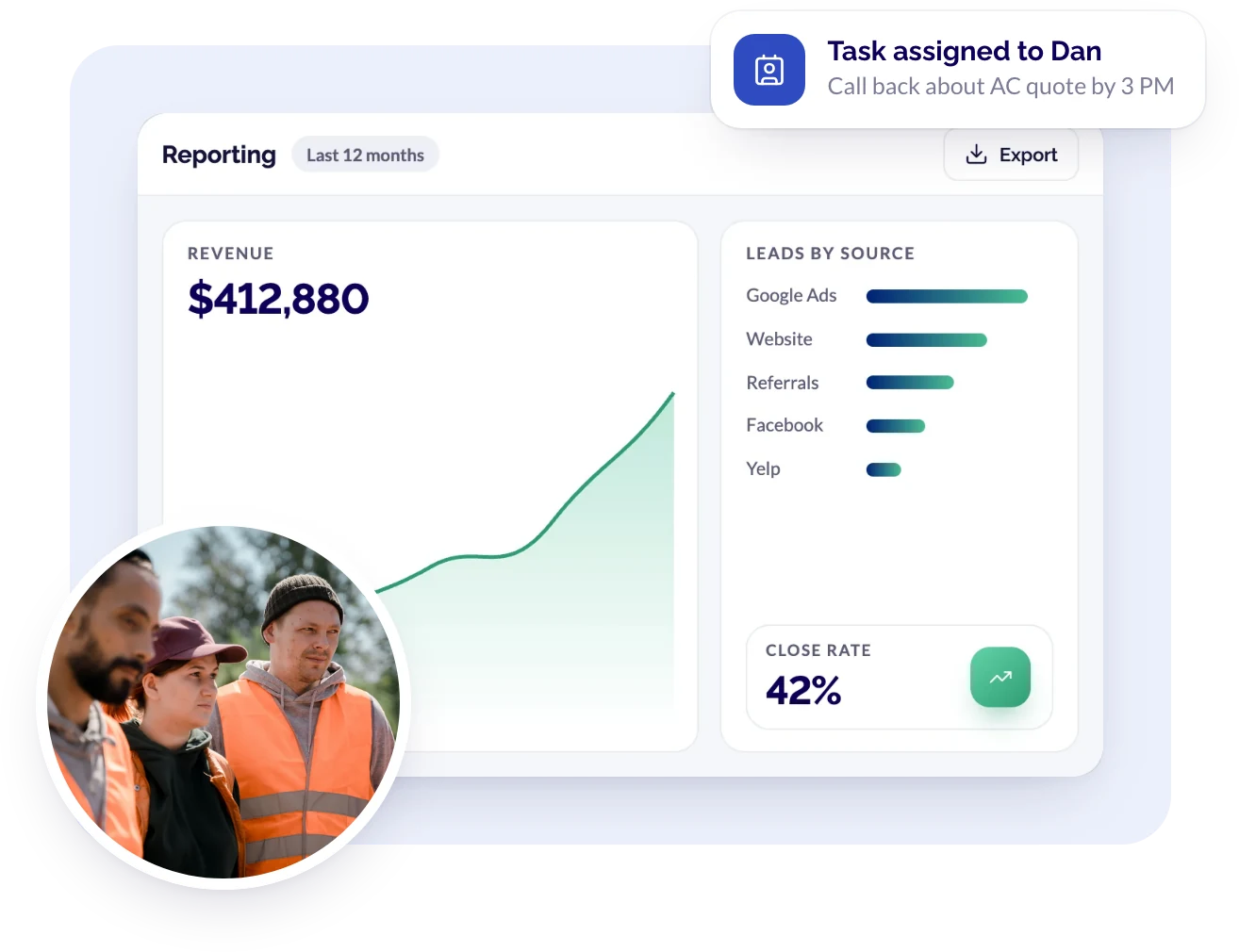
See where the money comes from
Customer management FAQ
Have a question we didn't cover? Ask us on a demo call.
Can you move my customers over from my old system?
Yes. Send us a spreadsheet or an export from your current tool. During onboarding the chimi team maps your columns to contact fields, adds tags where they help, and imports the list so you start with real customers, not a blank screen.
What is the difference between a contact and a deal?
A contact is the person, like Maria Lopez. A deal, or opportunity, is a job you are working to win, like her water heater replacement. One customer can have several deals over the years, each with its own stage and value.
Can my techs see customer details in the field?
Yes. Your team can open contacts, notes and deals from the mobile app on their phones. You choose what each user can access, so a tech can see the customers assigned to them without seeing your whole customer list.
Can I organize customers by service area or equipment?
Yes. Filter by zip code, tag or any custom field, like system type, roof material or install date. Save the result as a smart list, such as every customer with a water heater installed before 2016, and reuse it anytime.
How does my team keep track of callbacks?
Add a task to any contact, set a due date and assign it to the right person. Callbacks, site visits and estimate reviews show up in each person's task list, so follow-up does not live on sticky notes.
Put every customer in one place.
Book a demo. We will walk through contacts and pipelines built around your trade, then set it all up for you.

The all-in-one CRM for the trades. Solutions for your business to thrive, since 2015.